10. Limiting Froude Spatial
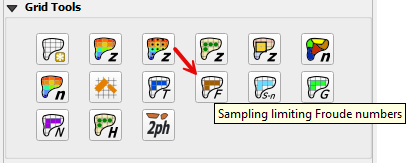
The Spatial Limiting Froude layer is used to set a limiting Froude number for individual FLO-2D grid elements. For example, overland flow on a gentle slope will is likely subcritical so a limiting Froude value of 0.9 or 0.99 can be assigned. If the limiting Froude is exceeded, due to local slope and roughness assignments, the grid element n-value is incrementally increased and maintains numerical stability that might occur for severe supercritical flow.
The limiting Froude is a way to calibrate n-values for the overland grid.
Note
For further discussion on the limiting Froude numbers refer to the FLO-2D Data Input Manual and the FLO-2D Reference Manual.
Digitize or Copy Data
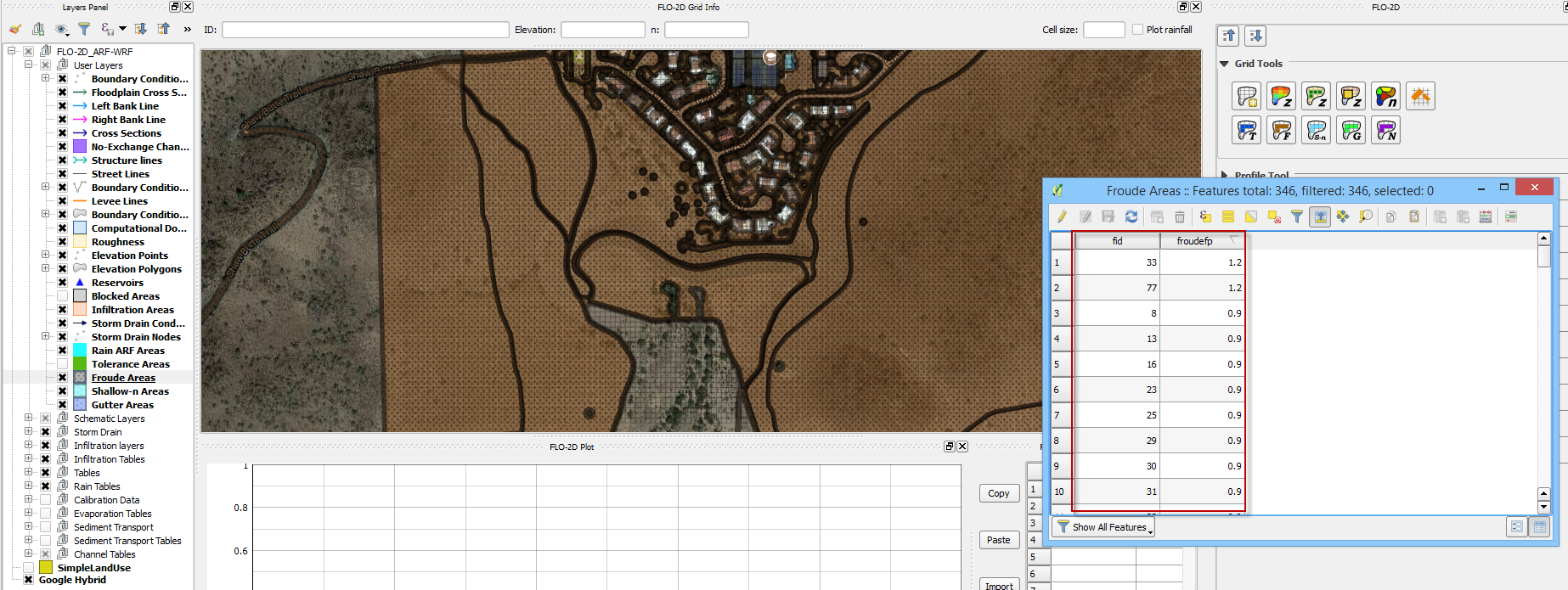
Select the Froude Areas layer and click Toggle Editing.
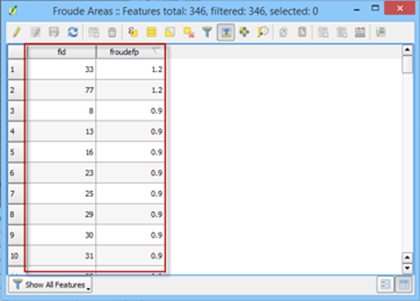
Create or copy the polygons that represent the Froude areas to the layer and save them.
Sample Data
Click the Sampling Limiting Froude Numbers.
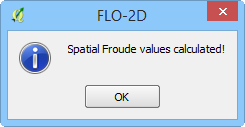
Once the process is complete OK to close it.
Troubleshooting
Create the limiting Froude polygons if they are missing from the Froude Areas layer.
If the Grid layer is empty, create a grid system and try again.
If a Python appears during the sampling process, the attribute table may be missing. Save and reload the project into QGIS and try again.